Exploring Ad Builder
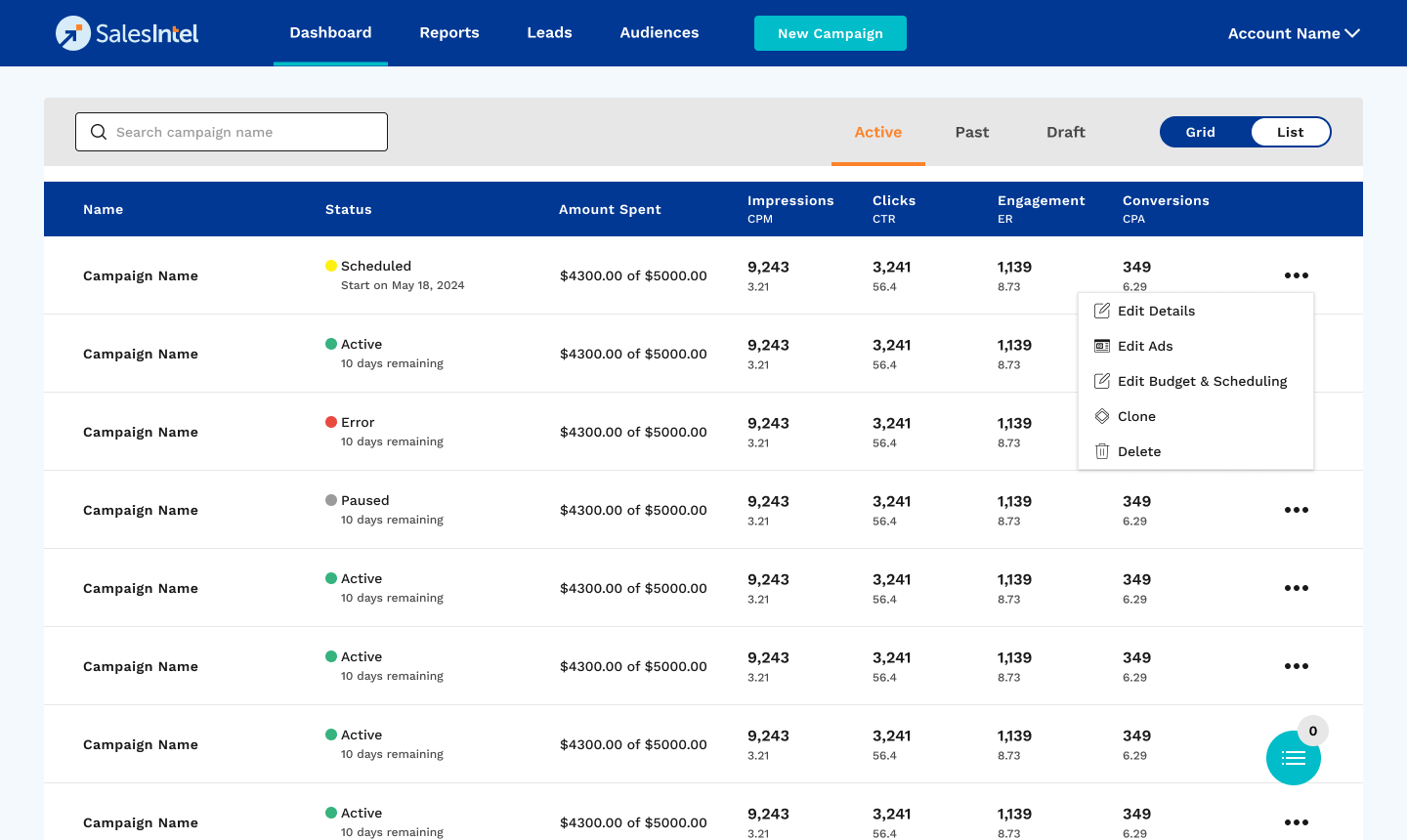
The Ad Builder section offers tools to create, customize, and manage ad templates and images to streamline campaign development. You can access the Ad Builder section by clicking on the Edit Ads menu item for any Active campaign.
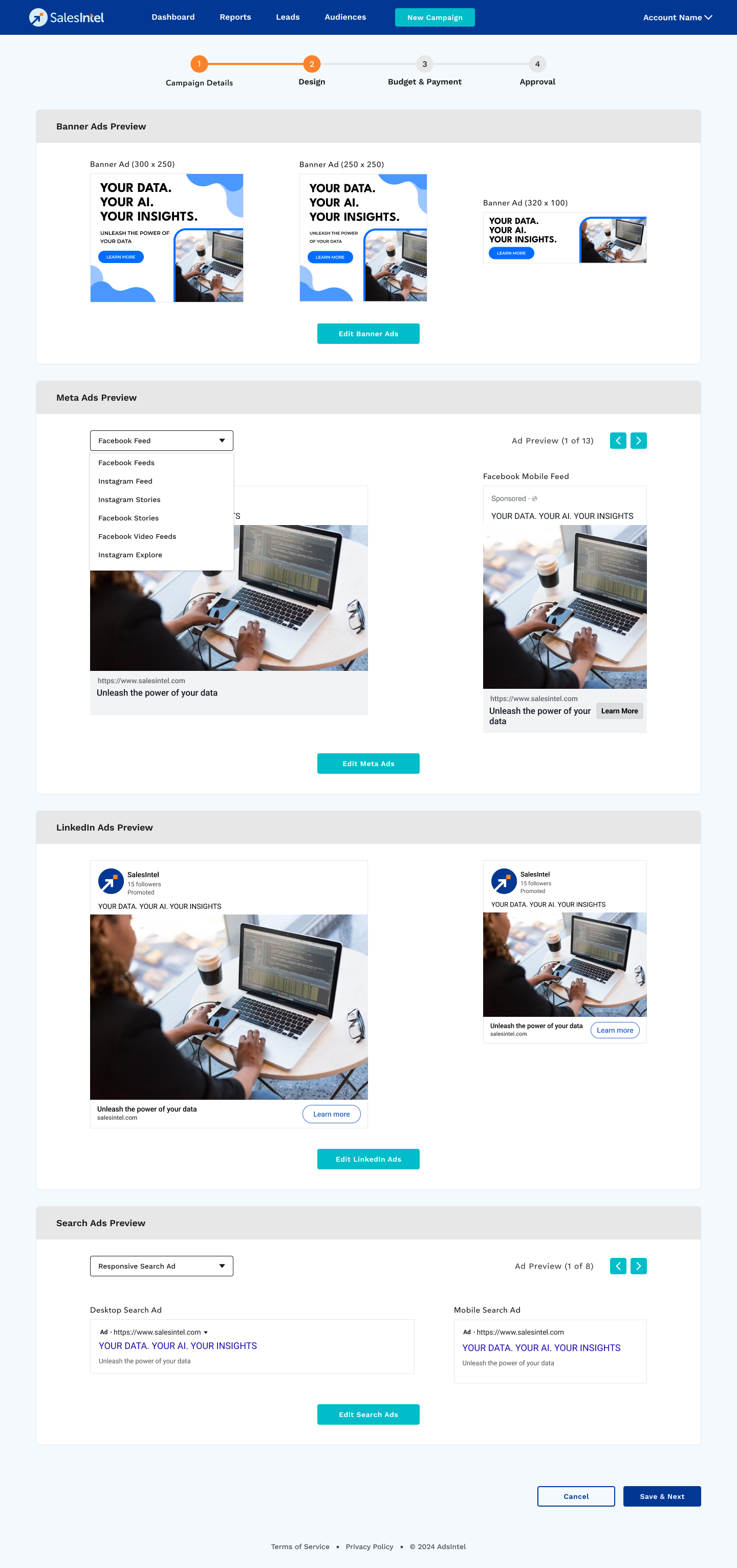
You will also be taken directly to Ad Builder when you create a new campaign so you can arrange your ads there.
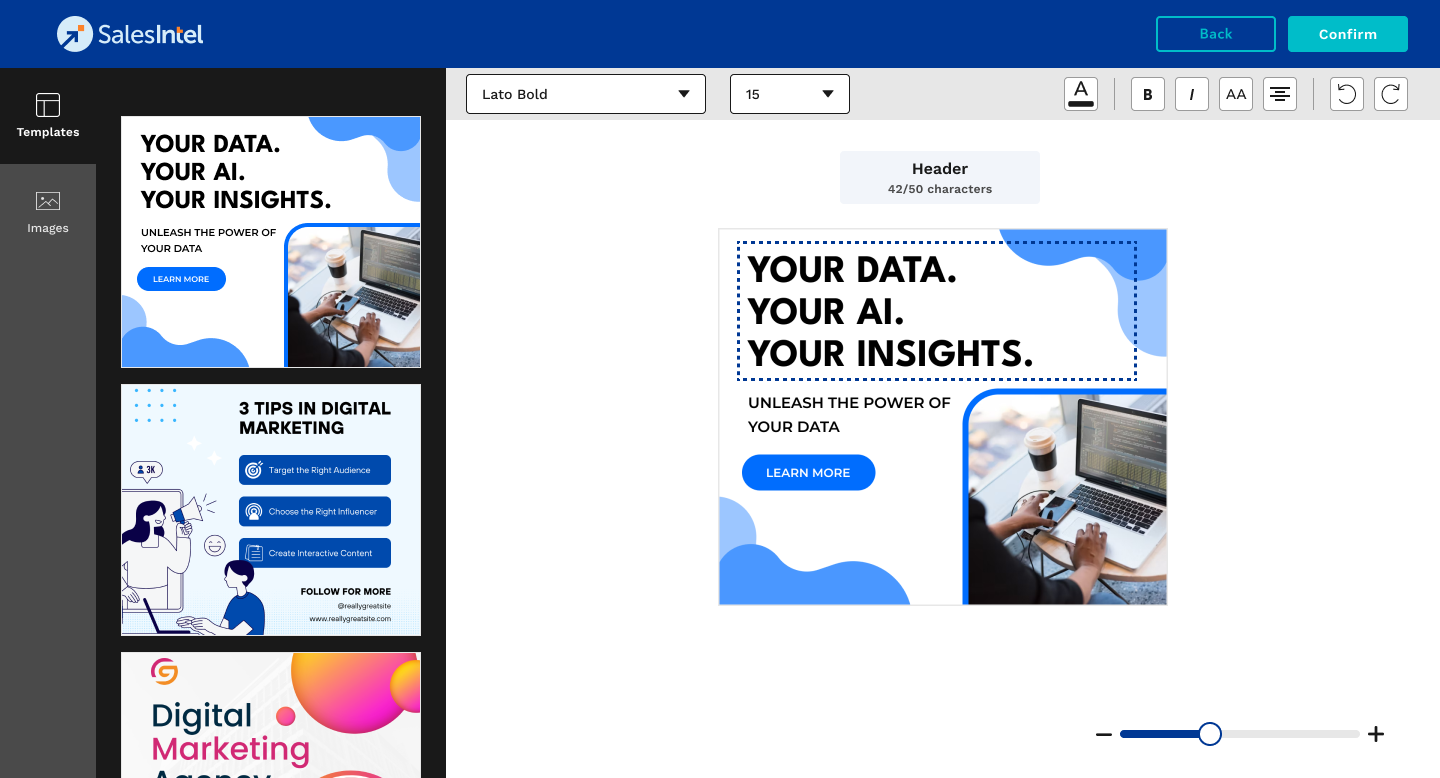
Templates
In the Templates section, users can access pre-designed ad layouts tailored to different platforms, making it easy to start a campaign.
- Select a template that aligns with your campaign's objective.
- Customize text, fonts, colors, and layout elements within the template.
- Preview changes in real time to ensure design accuracy before saving.
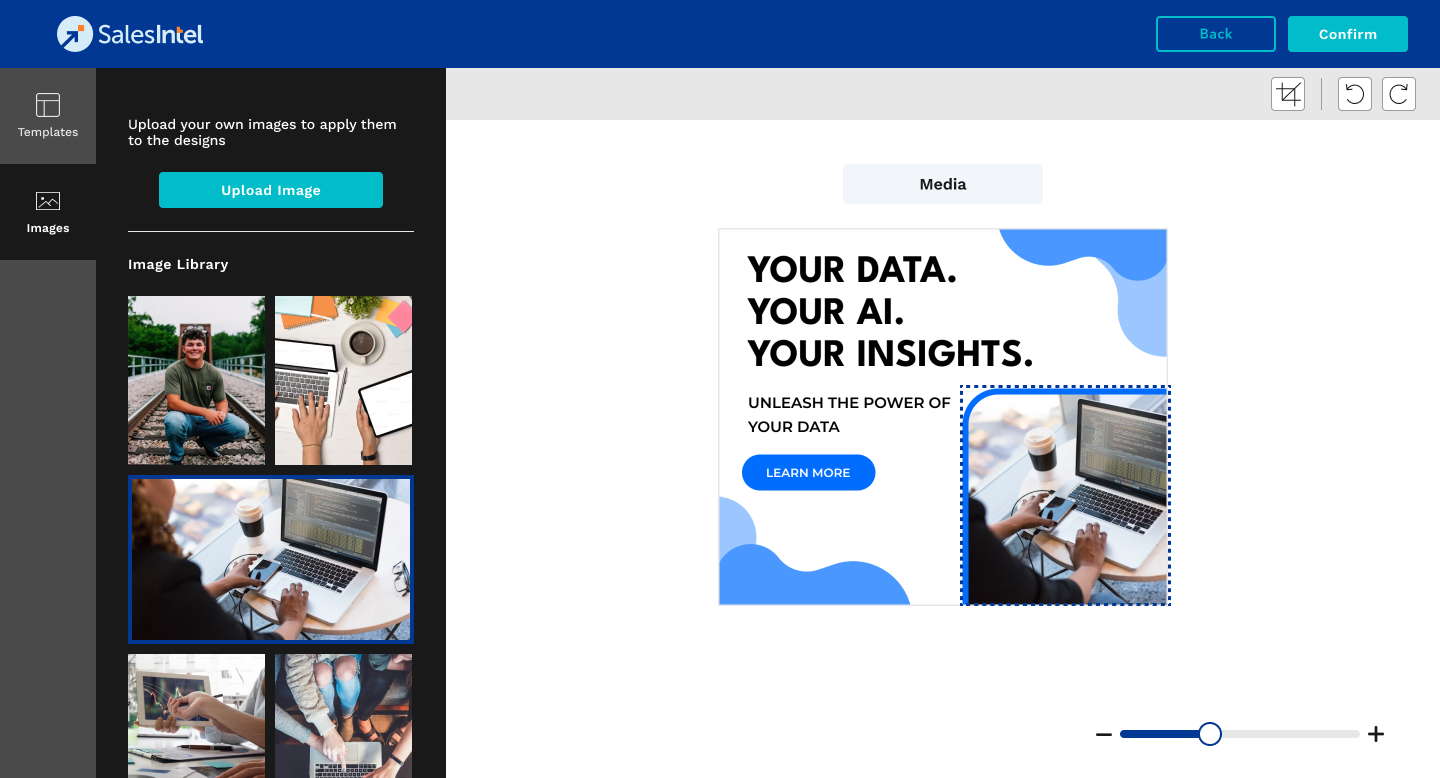
Images
The Images feature allows users to add visual assets to their campaigns either by selecting from a built-in library or uploading custom images.
- Access the library to find event-specific images or use the upload option for unique visuals.
- Use the crop, scale, and adjust options to fit images within ad templates.
- Preview images in the context of your ad layout to confirm final design before saving.